Safe & simple browsing for schools & families

A browser you
can trust

SimpleBrowse is a managed iPad browser for schools and families. Only approved, age-appropriate websites are accessible — giving teachers and parents peace of mind, and children a safe online experience.

Get started free Learn more

See it in action

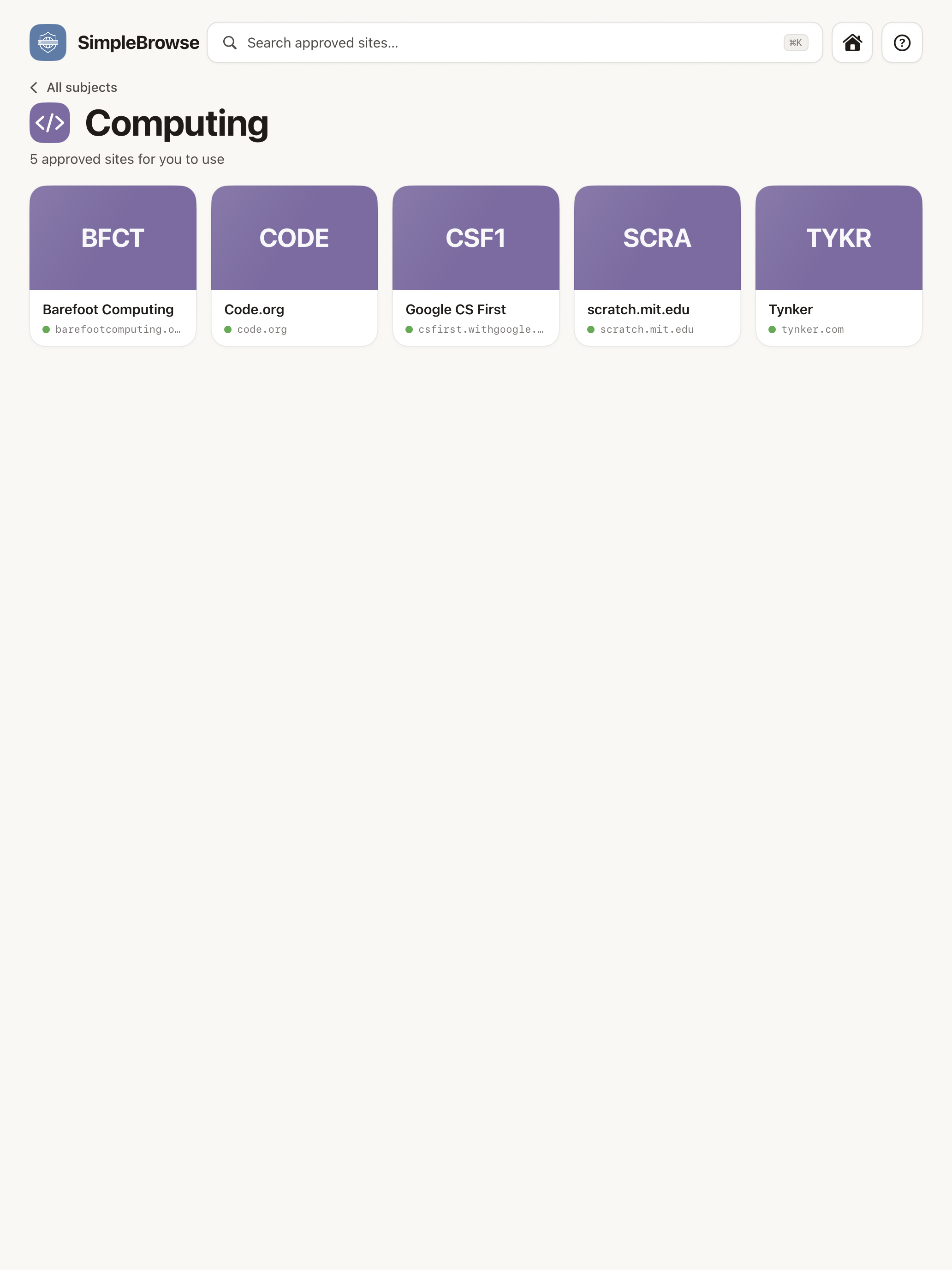
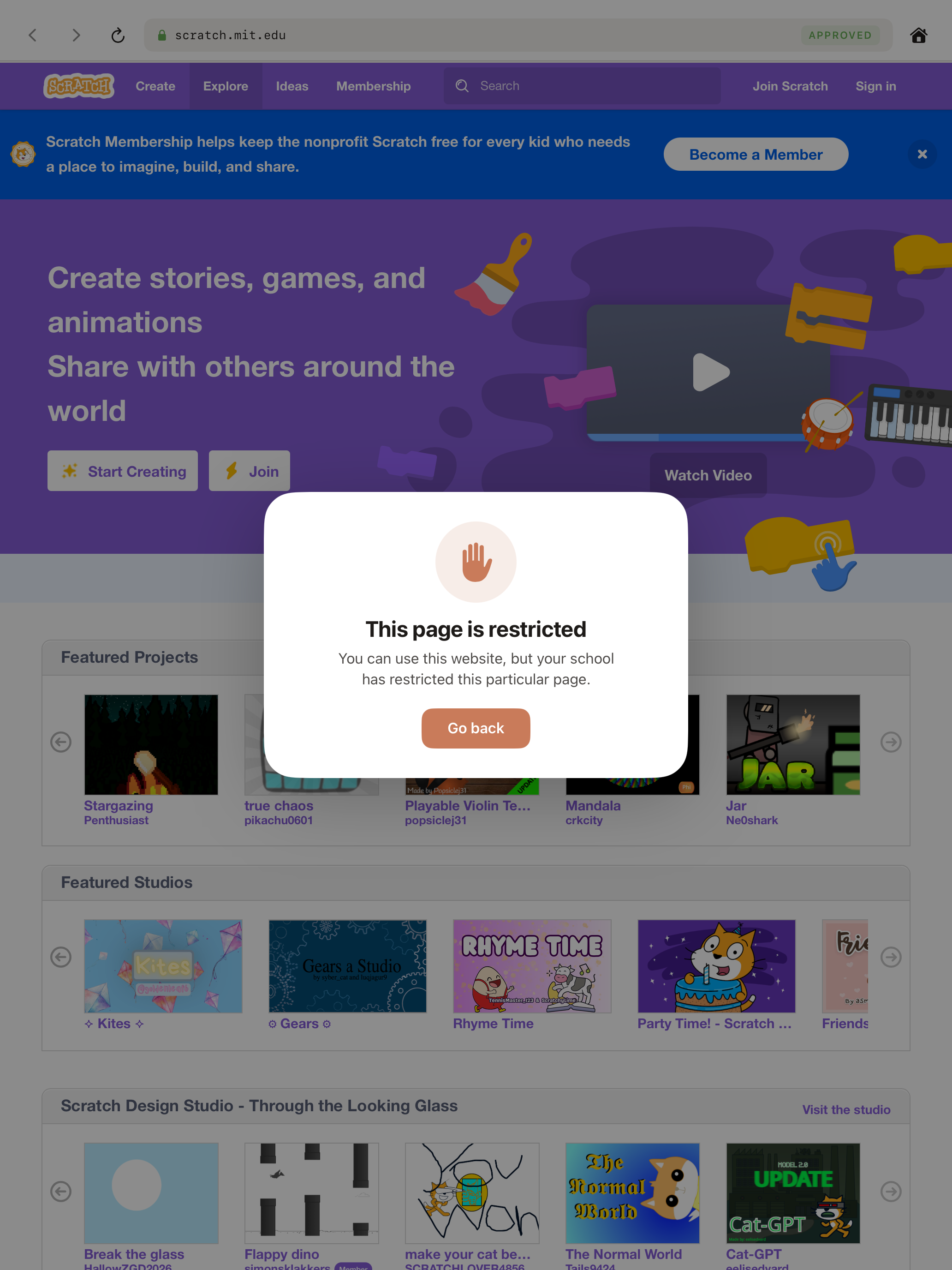
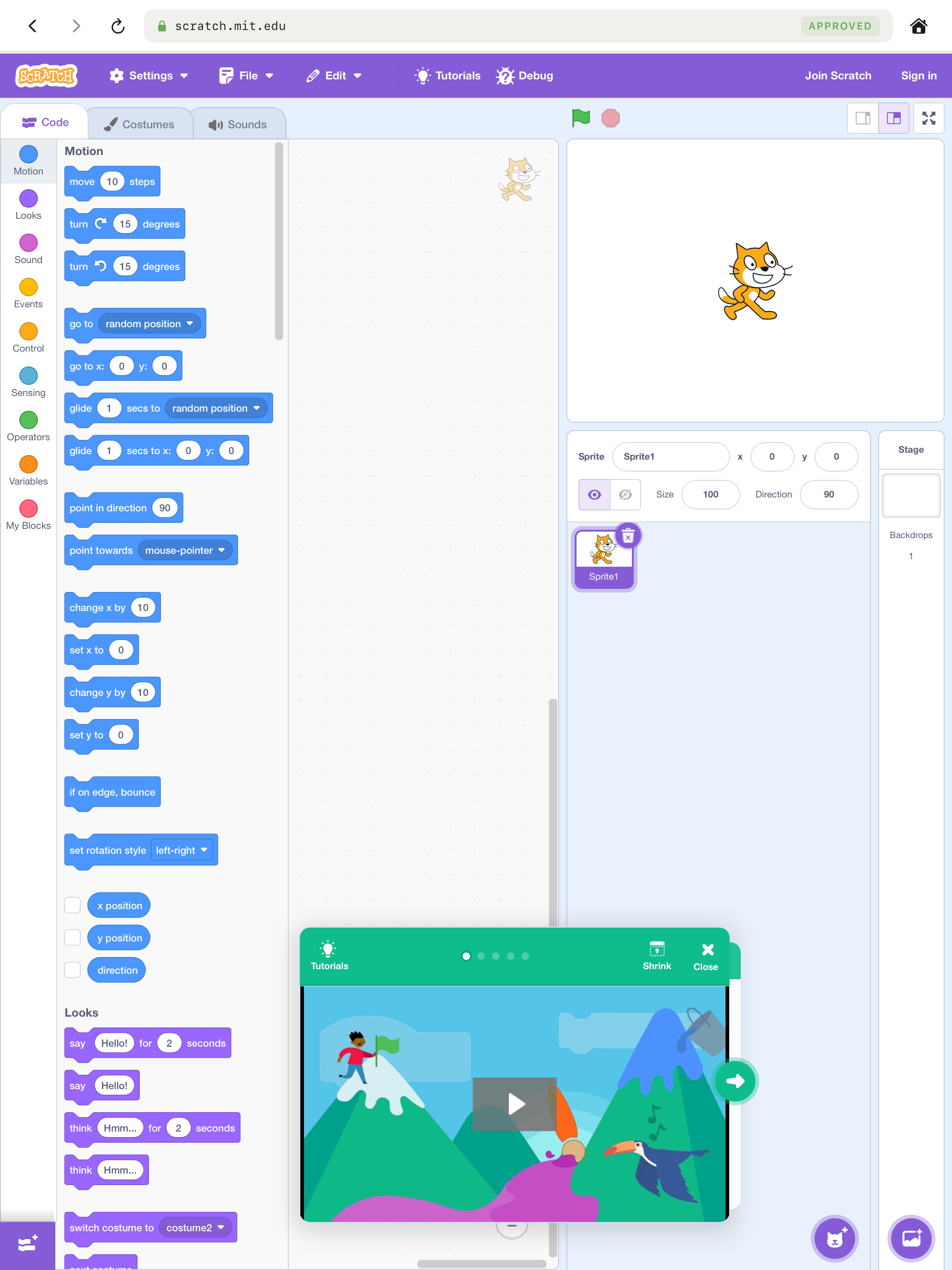
Setup screen Pick a subject Computing sites Scratch homepage Explore blocked Back to Scratch Scratch editor

How it works

Approved sites only

Schools and parents choose exactly which websites children can access. Everything else is blocked automatically.

Organised by category

Sites are grouped into categories — making it easy for children to find what they need, whether for schoolwork or safe browsing at home.

Easy to set up

Scan a QR code to get started in seconds. Schools can also deploy via Jamf School or Apple Business Manager.

Block pages, not just sites

Allow a website but block specific pages within it. For example, let children use Scratch to create, but block the Explore page.

Embedded videos, no escape

Educational videos embedded on approved sites play normally — including YouTube. But direct access to video sites is blocked.

Multiple schools, one app

Each school or family gets their own bespoke list of approved sites. Different sets of iPads can have completely different catalogues — all managed from one place.

Early access

Free to use

SimpleBrowse includes a free tier with a curated list of safe websites — no account needed, just open the app. Want your own custom website list? All features are free during early access, with paid plans coming later for the web admin panel.

Get started free

View future pricing plans

Get set up

Fill in the form below and we'll set up your account and get you started — completely free.

We'll reply within 1 working day. Already have an account? Sign in here.

Or email us directly at mail@starlingcloud.com